










Instagram Is Down: The 5 Minutes Before You Panic
Before panicking when Instagram is down, here is how to tell a real outage from an account problem and how to get through the downtime calmly.
Open this article in a favorite AI assistant for a quick summary and analysis.

Instagram is down, so now what
The app will not open, the feed will not refresh, messages will not send. The first thought is usually the same one: "Did my account get banned, or is Instagram down right now?" The difference between those two possibilities completely changes the next few steps. A wrong diagnosis, panic log-outs and unnecessary password resets usually make things messier than they were.
Staying calm starts with reading the situation correctly. The good news: a global outage almost always leaves far clearer signals than a glitch that hits a single account. Recognizing those signals removes both wasted time and needless worry.
A real outage, or just you
Before restarting the phone or changing the password, the first job is finding where the problem actually lives. A few quick checks usually give a clear answer.
Try another device or connection. If the app opens on mobile data after failing on Wi-Fi, the issue sits with the local connection, not Instagram. The same logic applies the other way: if instagram.com loads in a browser while the app keeps stalling, the cause is probably the app version or a cache problem.
Check an independent source. Sites like Downdetector show how many people are reporting trouble at the same moment. A sudden spike on that chart is a solid sign that Instagram is down for everyone, not just one account. Meta's own status pages and tech news accounts work well for fast confirmation too.
Ask around. Seeing one or two people nearby lose access at the same time is the simplest yet strongest proof. A single stalled session and an outage hitting everyone are very different stories.

The classic mistakes made in a panic
A few reflex moves tend to happen the moment access drops, and most of them help nothing, or even hurt.
Resetting the password over and over is the most common one. Sending a new password request while the servers are unresponsive can lead to session confusion once the outage clears. Deleting and reinstalling the app falls into the same bucket; it fixes nothing during downtime and only adds the hassle of logging back in afterward.
Another frequent move is announcing loudly on other platforms that "my account got banned." If the outage is global, there is nothing wrong with the account, and a few hours later that post just looks misplaced. Verify first, then talk; that order is always healthier.
The key point: no action taken inside the app brings access back during an outage. The smarter use of that time is planning what happens once it ends, not refreshing in frustration.
Keeping work alive while the outage lasts
For anyone talking to customers, taking orders or answering questions through Instagram, an outage is not just an annoyance; it is a direct missed opportunity. A message, a price question or a buying signal sent right at that moment hangs in the air until the platform returns. Some people wait, others move on elsewhere.
Eliminating that loss entirely is not realistic, but shrinking it is. Not depending on a single channel is the strongest protection here. A second touch point such as a website, an email list or WhatsApp keeps communication from cutting off completely when Instagram is down. A flow set up to regularly capture contact details and collect leads leaves a channel to reach followers even during downtime.
The second protection is making sure incoming messages do not vanish. Catching up one by one to hundreds of messages once the outage clears is nearly impossible. This is where Instagram DM automation earns its place: a setup that auto-replies to specific triggers gives waiting people a first response the moment the platform returns and makes sure nobody slips through. Tools like Simpliers CHAT are built to run exactly this kind of flow.
What to do first once it comes back
When Instagram returns, a short checklist makes the recovery easier than rushing in.
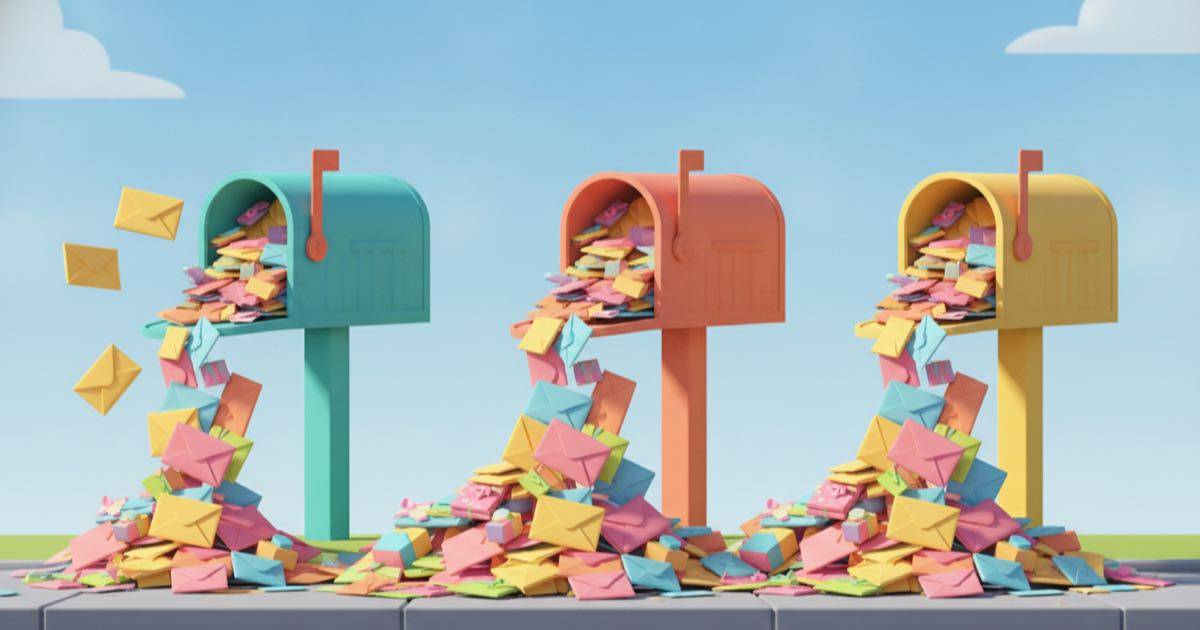
Start with the inbox. Among the waiting messages, the time-sensitive ones (orders, price questions, appointment requests) come first. With Instagram DM automation already running, a portion of those messages will have received an automatic first reply, leaving only the conversations that genuinely need a personal touch.
Next, scan comments and tags. Interactions that arrived during the outage can get buried in notifications. Seeing them all at once also shows which post was getting traction at the time.
Finally, if a scheduled post was missed because of the downtime, reschedule it. The first hours after an outage often bring high reach since everyone returns at once, which makes it a good moment to make up for the missed post.
Treating an outage as a recurring reality, not a one-off crisis
This is the real shift in perspective. Instead of panicking from scratch every time the words "Instagram is down" show up, treating an outage as something that will happen regularly is far healthier. No platform runs with zero downtime, and that is not something a user controls.
The only controllable part is preparation. A second contact channel, an automation that catches incoming messages, and knowing what to do during downtime; when those three line up, the next outage feels like a short interruption rather than a scramble. For anyone wanting to see the gap between manual replies and an automated setup, understanding what Instagram DM automation is is a good starting point.
Next time the app stalls, let the first reflex be neither a password reset nor panic. Verify the source first, then wait, and once the outage ends let the system already in place do its job. Five calm minutes of checking always beat hours of unnecessary worry.