






Best AI Avatar Generators for Instagram (2026)
A practical look at the best AI avatar generators for Instagram in 2026, which app fits a profile photo, a feed series, or a brand refresh, and how to skip the obvious AI look.
Open this article in a favorite AI assistant for a quick summary and analysis.
Choosing an avatar that still looks like you
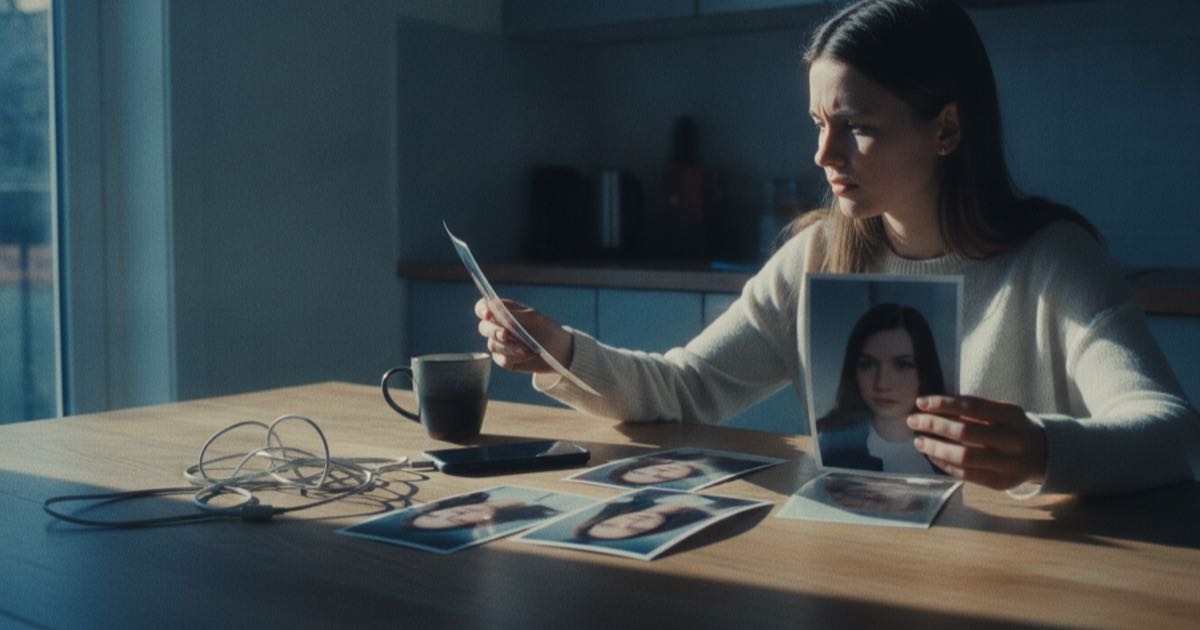
If a profile picture is the first thing a stranger judges on Instagram, then picking the right tool to make one matters more than the filter you slap on afterward. That is the real job of the best AI avatar generators for Instagram: turn a few ordinary phone photos into a profile image, a themed feed series, or a full brand refresh that still reads as a real person, not a glossy stranger.
The catch in 2026 is that most of these apps are trained on the same data and reach for the same shiny defaults. Use them carelessly and the result lands somewhere in uncanny valley; too smooth, slightly melted, vaguely "off" in a way followers notice before they can name it. The whole AI-slop backlash that floods comment sections comes from exactly that. So the goal here is twofold: find the apps worth your time, and use them so the output looks intentional instead of mass-produced.
What separates a good Instagram avatar tool from a gimmick
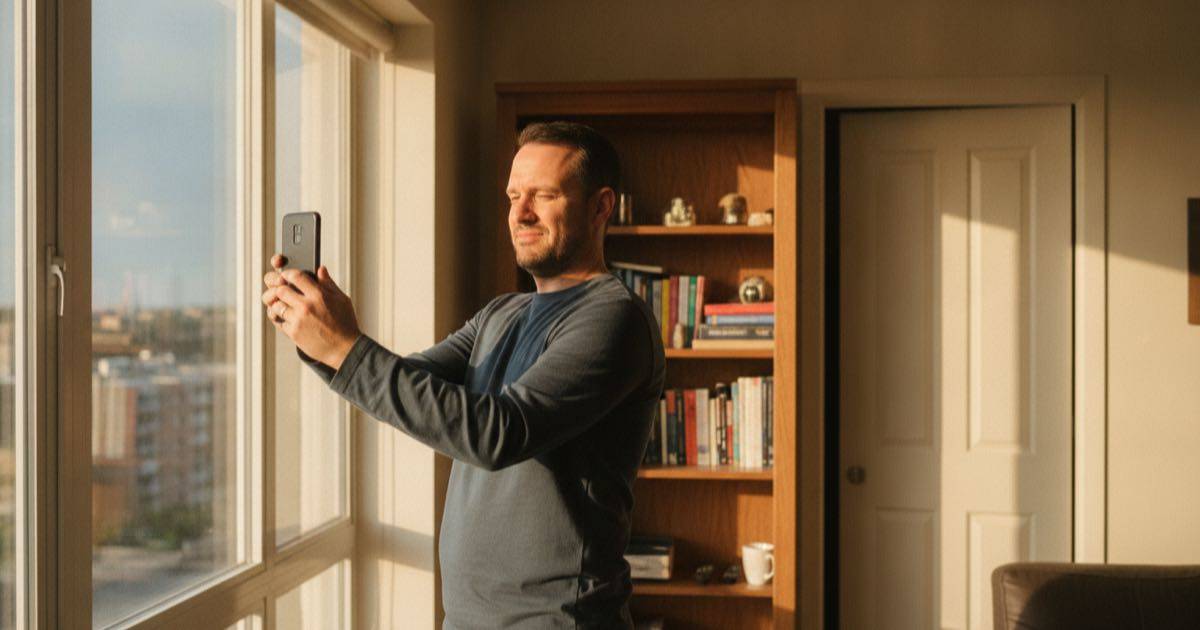
Before any names, it helps to know what to actually look for. A tool can spit out a hundred portraits and still fail every one of them on Instagram.
Likeness retention comes first. The face it returns has to be recognizably yours across angles, not a generic attractive composite. Apps that let you upload 10 to 20 varied photos almost always beat the ones that work from a single selfie, because they learn your features instead of guessing.
Style range matters next. A professional headshot for a coaching account and a moody creative portrait for a music page are different jobs. The strongest generators separate clean LinkedIn-grade headshots from expressive editorial looks, so one app can cover both a bio photo and a feed series.
Resolution and crop decide whether the image survives Instagram. A profile picture is tiny and circular; a feed post is a square or 4:5 portrait. Tools that export high resolution and let you reframe save you from a pixel-mushed avatar.
The natural-look test is the quiet dealbreaker. Skin that looks like skin, eyes that line up, hands kept out of frame or kept correct. This is where most apps quietly lose, and where a careful user wins.
The best AI avatar generators for Instagram in 2026
These are the apps worth trying, grouped by what they do best. No single one wins everything, so match the tool to the photo you actually need.
Remini is the everyday workhorse. It started as a photo enhancer and grew into one of the most-used AI portrait apps, strong at turning grainy phone shots into crisp, believable portraits without the plastic finish. It is the safe first stop when the priority is "looks like me, just better."
Aragon AI leans fully professional. Feed it a batch of photos and it returns business-grade headshots with even lighting and clean backgrounds, the kind that work as a profile photo on Instagram and double for LinkedIn. Likeness retention is its strong suit.
PhotoAI trains a private model on your uploads, then lets you generate yourself in nearly any setting or style. That flexibility makes it a favorite for creators who want a themed feed: same recognizable face, ten consistent looks.
Lensa popularized the stylized "Magic Avatars" wave and still does expressive, artistic portraits well. It is more about creative flair than corporate polish, so it fits art, music, and personality-driven accounts.
Fotor offers a quick AI headshot generator inside a broader editing suite, handy when a portrait and a thumbnail edit need to happen in the same place without juggling apps.
Canva folded AI portrait and Magic Studio features into the design tool many creators already use daily. The avatars are not the most photorealistic, but having them next to your templates, captions, and story layouts is genuinely convenient.
Picsart rounds out the casual end with a deep stack of AI avatar and effect tools aimed at fast, playful, share-ready images rather than studio realism.
For a heavily stylized, illustrated identity rather than a photo, Midjourney remains the most expressive option, though it asks for more prompt skill and lands further from "a real photo of me."
How to avoid the obvious AI look
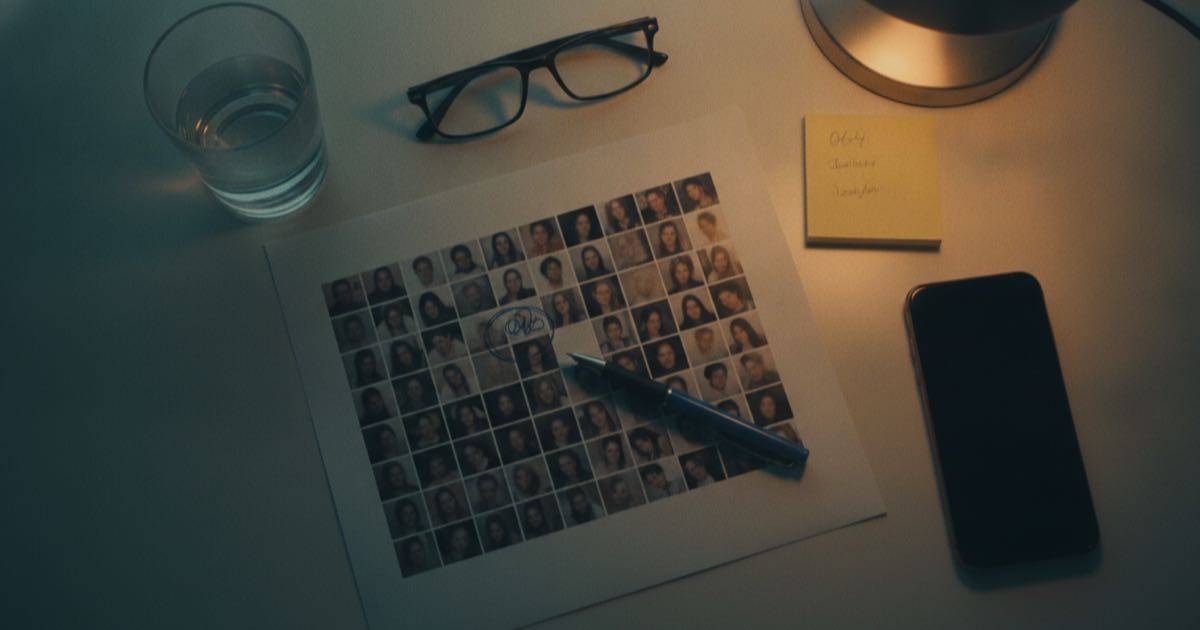
The fastest way to spot AI avatars is also the fastest way to fix yours. Followers clock the same tells every time, and most are avoidable.
Start with better input. Garbage selfies in, garbage portraits out. Feed the tool well-lit photos from several angles, a few expressions, different days; varied input is what teaches it your real face instead of one frozen pose.
Then resist the maximum setting. The temptation is to push every slider, but over-smoothed skin and impossibly even lighting are the exact signals that scream "generated." Dial style strength down until the texture of real skin survives.
Watch the danger zones. Hands, teeth, glasses, and earrings are where models still slip; crop tight enough to avoid them or regenerate until they read correctly. A portrait that nails the face but mangles the hands is worse than no avatar at all.
Finally, keep continuity with your real photos. If an account has never shown a face and suddenly posts a flawless studio portrait, the jump itself reads as fake. Blending AI portraits with genuine candid shots keeps the whole profile believable.
Where the avatar stops and the account begins
A strong avatar opens the door; it does not run the conversation behind it. Once a profile looks the part and starts pulling in new followers and curious DMs, the bottleneck shifts from "how do I look" to "how do I keep up with everyone messaging me." That is a different toolset entirely.
This is the point where an Instagram presence usually outgrows manual effort. Replying to every comment, sending the promised link, sorting genuine leads from noise; it adds up fast once reach climbs. Plenty of creators pair a fresh visual identity with a way to handle the inbound, and tools built for creator accounts, including Instagram DM automation platforms like Simpliers CHAT, exist for exactly that handoff. If that is the stage you are heading toward, the playbook for growing and managing an Instagram presence as a creator covers what comes after the avatar.
Quick answers on AI avatar generators
Are AI avatar generators safe to use for Instagram?
Mostly yes, with a privacy caveat. Reputable apps generate portraits without violating Instagram's rules, since a stylized photo of yourself is allowed. The real concern is data: you are uploading your face, so check whether the app trains on your images or deletes them, and prefer ones with a clear deletion policy.
Which AI avatar generator looks the most realistic?
Tools that train on multiple uploaded photos tend to look the most realistic, because they learn your actual features instead of guessing from one selfie. Apps focused on headshots, like Aragon AI or Remini, usually beat single-photo stylizers on likeness, especially for a profile picture meant to read as genuine.
Can people tell if your Instagram profile picture is AI?
Often yes, when the image is over-processed. Tells include plastic skin, too-perfect lighting, mismatched shadows, and warped hands or jewelry. Keeping style strength moderate, mixing AI portraits with real candid shots, and avoiding the most polished presets make an AI profile picture far harder to flag.
Final thoughts
The best AI avatar generators for Instagram in 2026 are not magic; they are a head start. Remini and Aragon AI for believable headshots, PhotoAI for a consistent themed feed, Lensa and Midjourney for creative range, Canva and Picsart for convenience. Pick the one that matches the photo you actually need, feed it good input, and hold back on the sliders that push it into uncanny valley. A profile picture that looks like a slightly better version of you will always outperform a flawless stranger, because the follower on the other side is judging in a fraction of a second, and authenticity reads faster than polish.